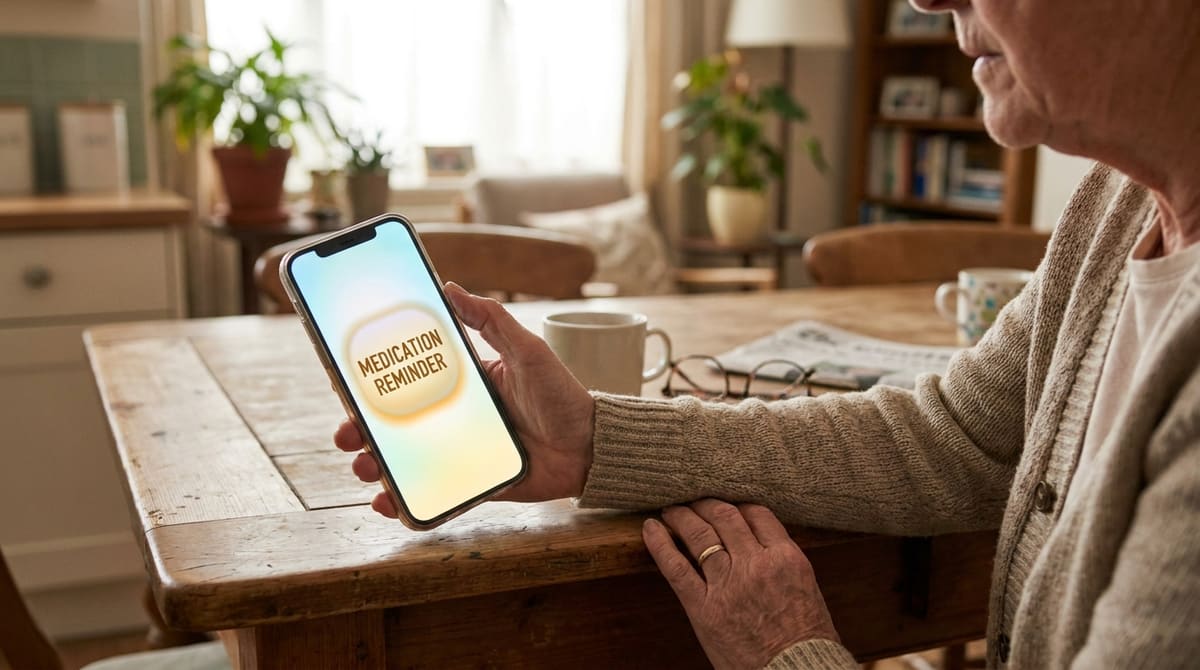
Most advice about personal alarms for elderly users assumes the main obstacle is remembering to check a phone. With Parkinson's, the obstacle is often physical: a tremor that makes a small button hard to hit reliably, or a level of dexterity that changes from morning to evening depending on where someone is in their medication cycle.
Big, forgiving confirmation buttons built for real hands, not steady ones.
Try AmberCap free →Why Tremor Changes What "Easy to Use" Means
A reminder interface designed for a steady hand assumes taps land where intended. With tremor, they often don't, so a target that feels generously sized to a designer can still cause repeated missed taps in practice. That's a different problem than volume or visibility, and it needs a different kind of fix: bigger buttons, more forgiving tap zones, and fewer steps between the alert and the confirmation.
Why Timing Precision Matters More Here
Levodopa and related Parkinson's medications are usually timed to manage symptoms directly, not just to keep a level of drug in the body. A dose running late enough can mean visible "off" periods returning before the next one takes effect, which makes a reliable alert more than a convenience, similar to how timing matters for a medication reminder app built around insulin timing.
Free for one medication. Add the full schedule with Premium.
Get started with AmberCap →When a Missed Tap Looks Like a Missed Dose
A confirmation that requires a precise, fast tap can log a dose as missed simply because the tap didn't register, not because the medication wasn't taken. That false signal is worse than no signal at all if it sends family an alert over nothing, or worse, gets dismissed as a false alarm on a day it wasn't.
Why the Family Alert Still Matters on Good Days
It's tempting to think the alert only matters when things are already going wrong, but the real value is not knowing in advance which day that will be. Keeping it running consistently, even through stretches where every dose gets confirmed without issue, is what makes it useful on the day it doesn't.
Voice and Vibration as a Backup to Tapping
A confirmation that can be answered by voice, or that accepts a firm press anywhere on a large surface rather than a tiny target, closes a lot of the gap that tremor creates on a bad day. The goal isn't a perfect interface, it's one with enough different ways to respond that at least one of them works reliably regardless of how a given morning is going.
Symptoms Change Through the Day, and So Should the Setup
Dexterity with Parkinson's often varies noticeably between a dose wearing off and a fresh one kicking in, so an interface that works fine in the morning might be genuinely harder to use in the hour before the next dose is due. Building in some slack around exactly the times dexterity tends to dip lowers the odds of a real dose getting missed simply because the alert arrived at the hardest possible moment to respond to it.
Voice Confirmation Removes the Tap Entirely
For someone whose tremor makes any tap unreliable on a hard day, a voice-based confirmation sidesteps the fine motor problem completely. Saying a short phrase to confirm a dose was taken works even when hitting a specific point on a screen doesn't, and it's worth setting up as the default method rather than a fallback only reached for after repeated failed taps.
Working With a Care Team, Not Just the App Alone
Parkinson's medication timing is usually set by a neurologist familiar with exactly how that person's symptoms respond to each dose, so any reminder schedule should mirror what the care team actually prescribed rather than a generic timing guess. Sharing the exported dose history at follow-up appointments also gives the neurologist real data on how consistently doses landed, not just a verbal impression from memory.
Screen Contrast and Text Size Matter Alongside Motor Access
Parkinson's sometimes comes with vision changes that get less attention than the motor symptoms, and a reminder that's technically easy to tap but hard to actually read defeats the purpose just as thoroughly as a tiny button would. Larger text, high contrast between text and background, and a layout that doesn't rely on subtle color differences to convey status all help close a second gap that's easy to overlook while focused on the tremor problem alone.
Adjusting the Setup as the Condition Progresses
Parkinson's symptoms and medication needs typically shift over months and years, not just within a single day, so a setup that worked well a year ago may need real adjustment now rather than being left untouched out of habit. Revisiting the interaction method (tap size, voice option, confirmation window) every few months, especially after any medication change, keeps the tool matching the person's actual current ability instead of an earlier stage of the condition.
It also helps to involve the person themselves in that periodic review, rather than a family member silently changing settings on their behalf. Asking directly whether the current tap size or confirmation method still feels manageable respects their own sense of what's actually working, which can differ from what looks fine from the outside. A brief, low-pressure conversation about it goes further than a family member quietly assuming things are fine because no complaint has come up recently. Framing it as a normal check-in rather than a test of capability tends to get a more honest answer too, and it keeps the setup adjusting alongside the person rather than staying frozen at whatever it was when it first got set up, months or even years earlier, back when symptoms may have looked quite different.
Frequently Asked Questions
Why does Parkinson's make phone alerts harder to use than for other seniors?
Tremor and reduced fine motor control make small buttons and quick double-taps genuinely difficult, not just inconvenient. A reminder that requires precise, fast interaction fails for a different reason than a reminder that's simply too quiet, and the fix isn't the same either.
Does medication timing matter more with Parkinson's?
Often yes. Levodopa and similar medications are dosed around symptom control, and taking a dose even 30-45 minutes late can mean real, noticeable "off" time with stiffness or slowed movement returning before the next dose kicks in.
What if a shaking hand causes a missed tap that looks like a missed dose?
This is a real failure mode worth designing around: a big, forgiving confirmation target lowers the odds of a real dose getting logged as missed just because a tap landed slightly off target.
Should family still get alerts if the confirmation works fine most days?
Yes, because the days it doesn't work are exactly the days a family alert matters most. A system that only works when things are already going well isn't adding much protection on the days that count.