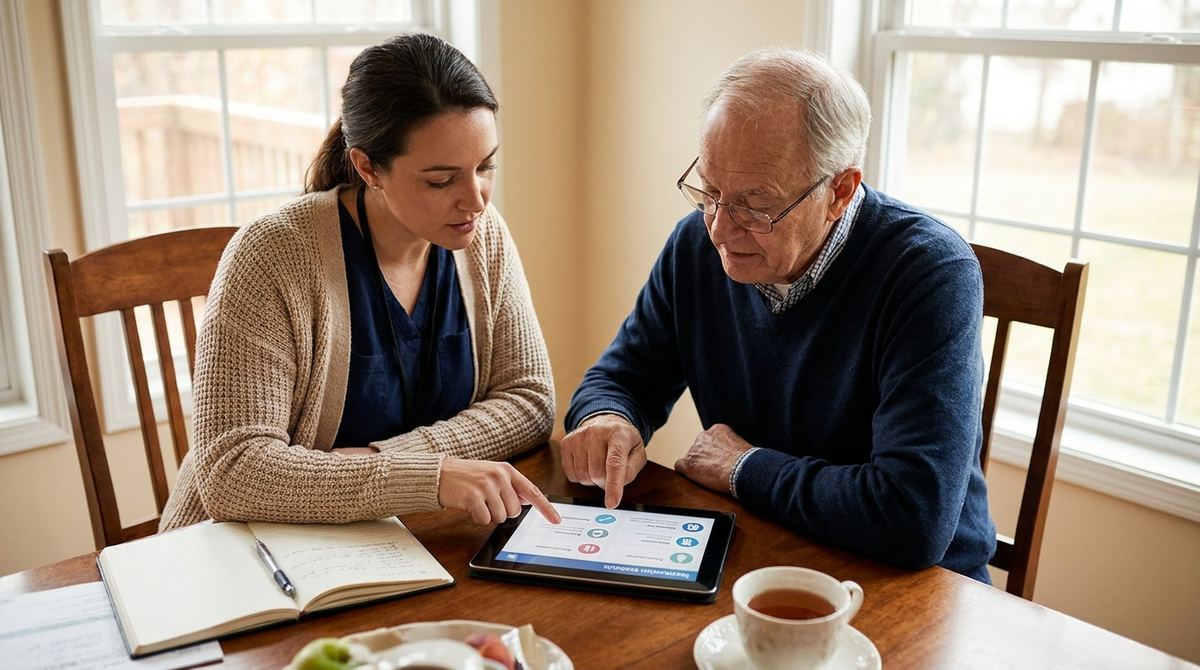
Most guides to medication reminder apps assume family is doing the linked monitoring, but a hired home health aide or professional caregiver often plays that exact role instead, sometimes alongside family, sometimes as the primary point of contact when family lives far away or works full time. The app doesn't need to know the difference, it just needs an accurate email address for whoever is actually responsible.
Give a hired caregiver visibility into the medication schedule.
Try AmberCap free →A Caregiver's Email Works Exactly Like a Family Member's
The linked email that receives missed-dose alerts doesn't need to belong to a relative, it can just as easily be a hired caregiver's work email. Whoever is linked gets an alert if a scheduled dose hasn't been marked taken after the delay window you choose, with no distinction made between family and professional caregivers in how that alert works.
When a Caregiver Should Be the Linked Contact
If a caregiver is present daily and family lives too far away to respond quickly to an alert, it often makes more practical sense for the caregiver to be the linked contact rather than a family member who couldn't act on the alert in time anyway. Family can still be kept informed separately, through a regular update or a shared history export, without being the one receiving real-time missed-dose alerts.
Free for one medication. Unlock the full schedule with Premium.
Get started with AmberCap →Handling Shift Changes and Coverage Gaps
Only one email address is linked to receive alerts at a time, so if coverage shifts across the day, an aide during working hours, a family member overnight, the linked contact needs to be updated to match whoever is actually present and able to respond during that stretch. Leaving the wrong person linked during a coverage gap means an alert goes to someone who isn't there to act on it.
Onboarding a New Caregiver to the Schedule
When a new caregiver starts, whether replacing someone or joining a rotation, walk them through the actual medication schedule directly rather than assuming the app alone will communicate everything they need to know. A short conversation covering which medications matter most, any special instructions, and what to do if something looks off avoids first-week confusion that a missed-dose email alone won't explain.
Why a History Log Matters More With Paid Care
An automatic, timestamped record of doses taken protects everyone involved when a paid caregiver is handling medications: the family has an objective record independent of any one person's memory, and the caregiver has a clear log showing exactly what they did and when, rather than relying on a verbal report at the end of a shift that's easy to forget details from.
Respecting the Senior's Independence Alongside Paid Help
Bringing in a hired caregiver for medication support doesn't have to mean taking over the entire process. Many seniors still prefer to mark their own doses as taken, with the caregiver's role limited to confirming it happened and stepping in only if something is missed, which keeps a sense of independence intact rather than shifting every task entirely onto someone else by default.
Coordinating Between an Agency Caregiver and Family
When care comes through an agency with rotating staff, it's often more reliable to keep a family member as the linked contact even if an aide is present daily, simply because agency staff can change with little notice and updating the linked email every time someone new starts adds unnecessary overhead. The aide can still check the schedule directly during visits without needing to be the one receiving alerts.
Setting Expectations With a Caregiver on Day One
Beyond the mechanics of the app itself, it helps to be direct with a new caregiver about what you actually expect: confirming each dose right after it happens rather than in a batch at the end of a shift, flagging anything unusual immediately rather than waiting to mention it later, and treating the medication schedule as a priority task rather than something to fit in around other duties. Clear expectations set early prevent a lot of small misunderstandings later.
Balancing Privacy With Oversight
Bringing in a caregiver naturally means sharing some personal health information with someone outside the family, which is worth acknowledging directly rather than treating as an uncomfortable topic to avoid. A caregiver only needs visibility into what's actually relevant to their role, the medication schedule and any specific instructions, not a broader window into unrelated parts of a senior's life, and it's reasonable to keep that boundary clear from the start.
What to Do If a Caregiver Consistently Misses Confirmations
If missed-dose alerts become a regular pattern rather than an occasional slip, that's worth raising directly with the caregiver or their agency rather than just adjusting the alert delay to stop noticing it. A pattern of missed confirmations is useful information about how care is actually being delivered, not just a notification setting to quiet down.
When Family and a Caregiver Both Want Visibility
It's common for both a caregiver and an out-of-town family member to want some visibility into how medications are going, even if only one of them is the linked contact receiving real-time alerts. A simple habit, the caregiver sending a brief weekly summary to family based on what they see in the app, keeps everyone reasonably informed without needing every party wired into the same real-time alert system.
Documenting Care for Insurance or Family Records
A consistent, exported medication history can be useful beyond day-to-day care, for documenting the level of support being provided if that ever becomes relevant to insurance, a family discussion about care needs, or a future transition to a different level of care. Having that record already built up from day-to-day use, rather than needing to reconstruct it later from memory, is a quiet benefit of consistent tracking from the start.
Families weighing whether current care arrangements are still enough often lean on exactly this kind of record, missed doses, response times, consistency over months, rather than a single difficult moment, to make that decision with real information instead of gut feeling alone.
Whether paid care is a temporary arrangement after a hospital stay or a permanent part of daily life going forward, the same basic habits, clear expectations, consistent tracking, an accurate linked contact, hold up well either way.
Interviewing a New Caregiver: What to Ask About Medication Handling
When interviewing a new caregiver, ask directly how they've handled medication schedules in past roles, not just whether they're comfortable with it in general. A specific example of how they caught or handled a missed dose previously tells you far more about their actual habits than a general yes, and it's a reasonable, ordinary question to ask before medication responsibility changes hands.
A caregiver who answers that question with a specific, concrete example is usually a better sign than one who simply says they've never had a problem before.
Trust builds over the first few weeks of a new arrangement, and a consistent, accurate log is one of the clearest ways to see that trust is well placed.
Frequently Asked Questions
Can I link a hired caregiver's email instead of a family member's?
Yes. The app doesn't check whose email address you're linking, so a home health aide or hired caregiver's email works exactly the same way a family member's would for missed-dose alerts.
What happens when a caregiver's shift ends for the day?
Update the linked email to whoever is actually responsible during a given stretch, a family member overnight, an aide during the day, if coverage changes across the day. The app only sends alerts to whichever single email is linked at that time.
Should a hired caregiver have their own login to see the schedule?
A caregiver doesn't need the app installed at all to receive missed-dose alerts by email, they only need it themselves if they want to check the schedule directly rather than relying on alerts alone.
How do I hand off medication responsibility when a new caregiver starts?
Update the linked email and walk the new caregiver through the current schedule directly, rather than assuming they'll figure it out from the app alone. A short walkthrough on day one avoids early misunderstandings about timing or instructions.