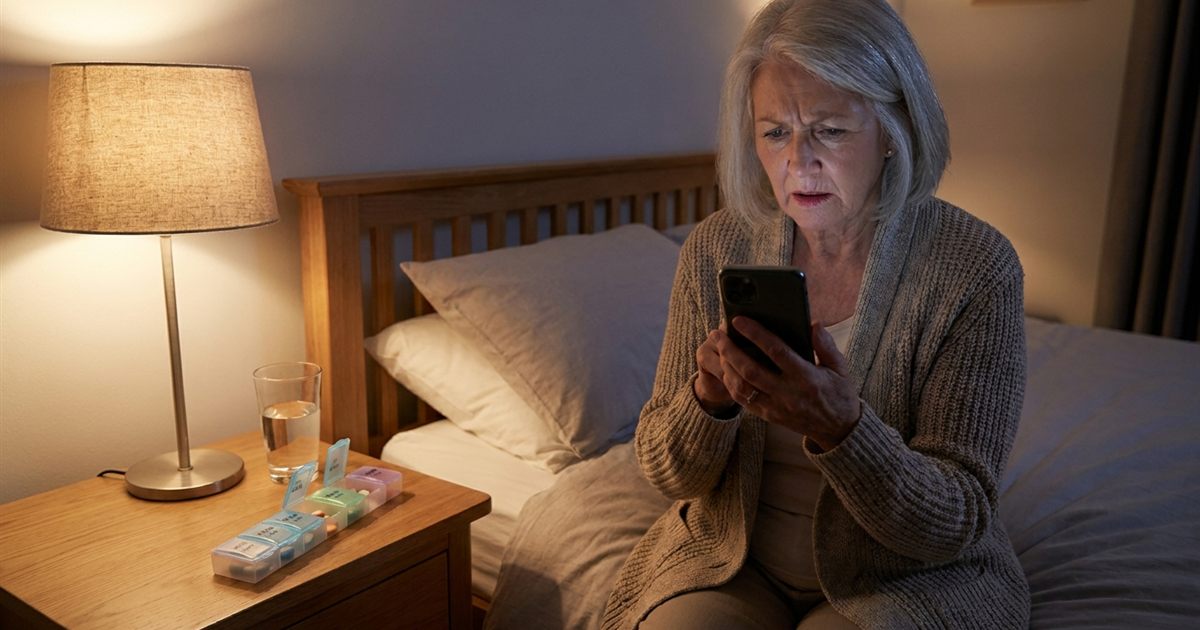
You were sure the reminder was set, and yet the hour passed in silence. Later you noticed the missed dose and wondered whether the app had failed. In most cases the app is working and something on the phone is quietly getting in the way: silent mode, a Do Not Disturb schedule, an aggressive battery saver or a permission that was never granted. These settings exist to protect the phone's battery and the user's peace, but they can silence the one alert you cannot afford to miss. This guide walks through the most common causes, in the order worth checking, and explains how AmberCap is built to make reminders hard to lose.
Set it up once, then check it with a test reminder.
Try AmberCap free →Start With a Test Instead of Waiting for a Dose
The safest way to find a problem is to look for it before it matters. After you add a medication, create a test reminder for a few minutes from now with a harmless label, lock the phone, put it face down and wait. If it rings with sound, you are in good shape. If it does not, you have found a problem without missing a real dose. Repeat the test after any big change to the phone, such as an operating system update or a new battery saver setting.
Cause One: Silent Mode and Volume
The simplest cause is also the most common. If the phone is on silent or the volume is turned down, a reminder can arrive without a sound. AmberCap sets its reminders to use the alarm sound channel, which is the same family of sounds as a clock alarm, and that is deliberate because alarm volume is often separate from ringtone and media volume. Still, check the alarm volume on your phone, because it can be set very low without anyone noticing.
- Raise the alarm volume in your phone's sound settings.
- Check that the phone is not on vibrate-only or silent in a way that also mutes alarms.
- Pick a clear, loud reminder tone you can hear from another room.
Cause Two: Do Not Disturb and Focus Modes
Do Not Disturb, sleep modes and Focus settings are designed to block interruptions. Many of them allow alarms by default, but some are configured to block everything except calls from favorites. If your reminders go quiet at night or at certain times, look at the schedule of these modes and confirm that alarms are allowed. A nighttime dose is the most likely casualty, so check this first if the missed doses cluster at the same hours. See also our guide to [nighttime medication doses](/ambercap/blog/personal-alarms-for-elderly-nighttime-medication-doses).
Cause Three: Battery Saver and App Sleeping
Phone makers want long battery life, and some do it by putting rarely opened apps to sleep. A sleeping app may have its alerts delayed or blocked. This is the most frustrating cause because it varies by brand and model, and it often appears after an update. Look for battery or power settings that list apps as optimized, restricted or sleeping, and set the medication app to unrestricted or not optimized.
Some phones also have an automatic cleaner that closes background apps. If your phone has a feature like that, add the medication app to the protected or allowed list. The exact menu names differ between manufacturers, so search your settings for battery, background activity or app launch.
Cause Four: Missing Permissions
Reliable reminders start with the right setup. Start free.
Get started with AmberCap →Modern Android phones require permission for notifications, and, for exact timing, permission to schedule exact alarms. AmberCap requests notification permission and uses exact alarm scheduling so a reminder fires at the minute you chose rather than within a loose window. It also asks to show the reminder over the lock screen so a ringing reminder can open directly. If you declined a permission when the app first asked, or if a phone update reset it, reminders can be late or silent.
- Open the phone's app settings for AmberCap and confirm notifications are allowed.
- Confirm that exact alarms are allowed, if your phone lists that as a separate permission.
- Allow the app to show on the lock screen if the phone offers that option.
How AmberCap Reduces the Risk
A few design choices help. Reminders use the strongest scheduling mode available for exact alarms, so they are delivered even when the phone is idle. The reminder sound loops until you mark the dose as taken or snooze it, so a brief notification cannot be missed by accident. And reminders are rescheduled when the app starts and after the phone restarts, so a reboot does not erase them.
None of this can override a phone setting that blocks alerts entirely, which is why the checks above matter. The app can do its part, but it cannot turn up your volume or lift a battery restriction for you.
Cause Five: Time Zone, Daylight Saving and Date Errors
If a reminder rings an hour early or late, the cause may be a time zone or daylight saving change rather than a silent alert. Check that the phone is set to the correct time zone and automatic date and time. Our guide to [medication reminders and daylight saving time](/ambercap/blog/medication-reminder-app-daylight-saving-time-change) explains what to expect twice a year.
A Simple Monthly Check
- Run a test reminder once a month and after every phone update.
- Glance at the History screen to see if any doses are marked missed that you remember taking, which can point to a confirmation habit or a silent alert.
- Keep the phone charged overnight so a low battery mode does not start restricting apps.
- Ask a family member to confirm they can hear the alarm when you are in another room.
When the Alert Is Not Enough
Even a perfectly configured phone can be out of earshot. If a person sleeps with hearing loss or keeps the phone in another room, consider vibration, louder tones or having a family member informed. Read more in [our guide to hearing loss and visual alerts](/ambercap/blog/medication-reminder-app-hearing-loss-vibration-visual-alerts). And if you ever miss a dose because a reminder failed, do not double up to catch up without advice. Ask your pharmacist or doctor what to do for that specific medication.
Frequently Asked Questions
Why did my medication reminder not make any sound?
The usual causes are silent mode or low alarm volume, a Do Not Disturb or Focus schedule, battery saver settings that put the app to sleep, or a missing notification or exact alarm permission.
How can I test that my reminders work?
Add a test reminder a few minutes ahead, lock the phone and wait. Run the same test after any phone update.
Does AmberCap keep ringing if I ignore it?
Yes. The reminder sound loops until you mark the dose as taken or snooze it.
Will my reminders survive a phone restart?
AmberCap reschedules reminders when the app starts and after a restart, but it is still worth running a test reminder after a restart or update.
What should I do if I missed a dose because the alert failed?
Do not take a double dose without advice. Contact your pharmacist or doctor about that specific medication.